
Independent Philippine guide
Register your SIM safely—on the right official platform
Choose your network for verified links, clear requirements and step-by-step help. We explain the process; your carrier securely handles the registration.
We never collect your phone number, OTP, government ID, passport or selfie.
Start here
Choose your mobile network
Each guide shows the official destination before you leave this site, plus the requirements, current process and carrier-specific fixes.
Find the answer fast
What do you need help with?
Go straight to the task instead of scrolling through one oversized menu.
Requirements and valid IDs
See what adults, minors, tourists, foreign residents and organizations need before opening the carrier form.
Review the requirements →Check registration status
Use the current app or portal method for your network—without relying on invented universal SMS codes.
Check the correct method →Registration not working
Troubleshoot missing OTPs, ID and selfie rejection, blank portals, “already registered” messages and no service.
Diagnose the problem →Tourists and foreign residents
Compare the documents for tourists, other visa holders and local Philippine eSIM use.
See foreign-national rules →Minors and guardians
Understand whose name goes on the registration and what the parent or legal guardian must provide.
Read the guardian guide →eSIM and WiFi devices
Find local eSIM rules and learn where a modem or pocket-WiFi registration OTP appears.
Explore eSIM and device guides →Popular guides
Practical help beyond the registration form
These guides cover the questions carrier forms rarely explain in one place.
Accepted IDs by carrier
Lawful ID examples versus what each live automated form can actually validate.
Official links and fake-site warning signs
Check domains, app publishers and the moments when you should stop immediately.
Update or transfer a registered SIM
Why there is no universal online transfer and when carrier assistance is required.
Deactivated versus expired SIM
Separate registration problems from ordinary prepaid inactivity and account validity.
From the guide library
Recently reviewed
Evergreen explainers and safety updates, organized around real registration tasks.
Sun SIM Registration: Guidance for Legacy Numbers
Sun is a legacy brand. Learn how to identify an active legacy number and use Smart’s current official support instead of old Sun instructions.
Read guide
SIM Registration Requirements in the Philippines
See current SIM registration requirements for Filipino adults, minors, tourists, foreign residents and organizations, with carrier-specific ID cautions.
Read guideValid IDs for SIM Registration in the Philippines
Compare valid IDs named in RA 11934 with the current ID menus and automated validation limits used by Philippine mobile networks.
Read guide
SIM Registration Law in the Philippines: RA 11934
Understand current SIM registration duties, penalties, confidentiality rules and the difference between today’s process and the 2023 deadline.
Read guide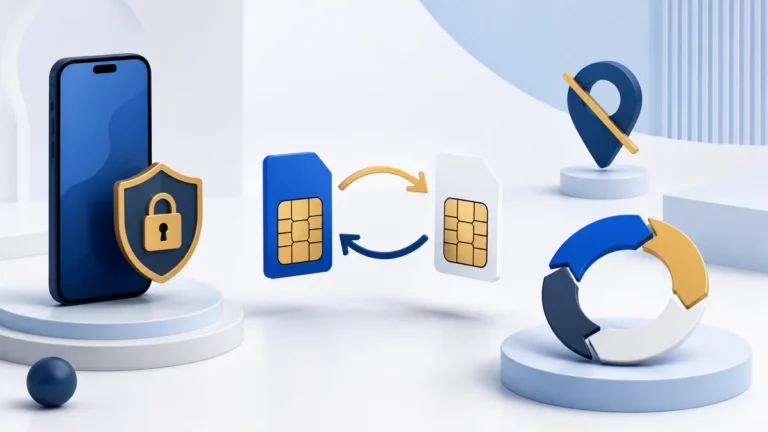
How to Update SIM Registration Details
Use the carrier’s official assisted or account process to correct registered details; never submit identity documents to a third-party guide.
Read guideHow to Transfer SIM Ownership
Learn why ownership transfer is not a universal self-service form and what the current and new owner should prepare for carrier verification.
Read guideWhy use this guide?
Designed for safe decisions, not data collection
Exact-match registration sites often blur the line between guidance and the carrier form. We keep that boundary unmistakable.
Primary sources first
Rules are checked against RA 11934, NTC, the National Privacy Commission and carrier-owned help pages.
Official domain shown
Outbound registration actions display where they lead before you click. We do not proxy or embed carrier forms.
Uncertainty is labeled
We do not turn old deadlines, user reports or unsupported SMS codes into authoritative instructions.