
Requirements and eligibility
SIM Registration for Foreigners and Tourists in the Philippines
Requirements for tourists, foreign residents, workers and students, including the 30-day rule and carrier-specific registration routes.
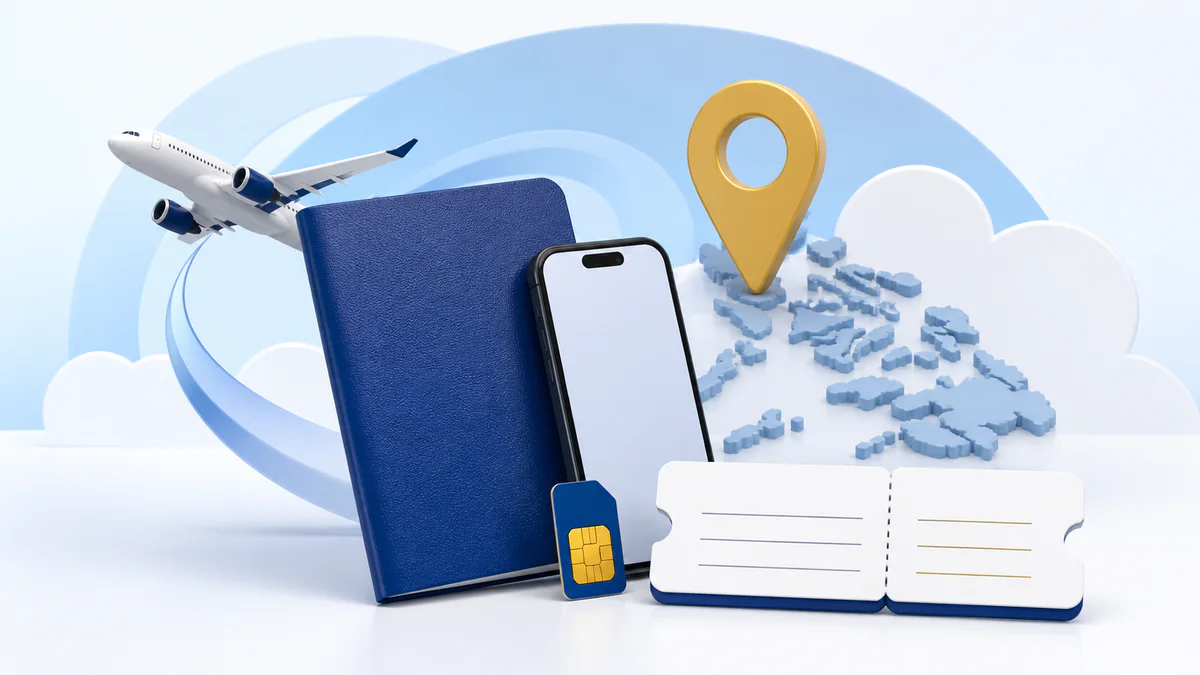
A foreign tourist needs a passport, proof of Philippine address and a return/onward ticket showing departure details. The tourist registration is temporary for 30 days. A foreign national with another visa needs a passport and local address proof plus the applicable immigration, work, school or Department of Justice document. Register through the carrier’s official portal or app and keep the confirmation.
Choose the correct foreign-national category
| Category | Core documents | Validity point |
|---|---|---|
| Tourist / short visitor | Passport, proof of address in the Philippines, and return ticket to the home country or another ticket showing departure date/time. | The registration is temporary for 30 days under RA 11934. |
| Foreign worker | Passport, Philippine address proof and the applicable Alien Employment Permit and/or immigration identity document. | Use the non-tourist visa route; do not choose tourist merely because it looks shorter. |
| Foreign student | Passport, Philippine address proof, school registration and student ID, plus immigration documents requested by the carrier. | Use the non-tourist route. |
| Resident or other visa holder | Passport, Philippine address proof and the applicable ACR I-Card or official visa-agency document. | Carrier review follows the person’s lawful status. |
| Person of Concern | Passport if applicable, Philippine address information and the relevant travel/admission document issued by the Department of Justice. | Use the carrier’s assisted route if the online category does not fit. |
Information the law requires from a foreign national
- Full name.
- Nationality.
- Passport number.
- Address in the Philippines.
- The mobile number/SIM details and access to its OTP.
- The tourist or non-tourist documents applicable to the person’s status.
- A selfie or identity-verification step when the carrier displays one.
- A saved carrier confirmation or reference.
Do not substitute a foreign home address for the requested Philippine address or invent an accommodation. If the carrier cannot process the truthful address/document, use its assisted channel.
How the 30-day tourist rule works
RA 11934 says a SIM registered under the foreign-tourist category is valid temporarily for 30 days and automatically deactivates when that validity ends. A regular load or promo does not by itself change the legal registration category.
- Leaving within 30 days: keep the registration and travel records until the trip is complete.
- Lawful stay extended: contact the carrier before the tourist validity ends and submit the approved extension or changed immigration status through its supported channel.
- Changing to work, study or residence status: ask the carrier to update the registration category and required documents.
- DITO Traveler SIM: DITO’s official Traveler SIM page says the product is active for 30 days and provides an extension request through DITO’s registration/app route for an eligible longer stay.
Carrier-specific route for a foreign national
| Carrier | Official route | Carrier-specific note |
|---|---|---|
| Globe / TM | Globe registration page | Globe’s FAQ lists passport bio/current visa stamp, Philippine address proof and return/onward ticket for tourists. It says a Globe Prepaid user abroad can use the online portal when they can access the number and OTP. |
| Smart / TNT | Smart registration portal or assisted Smart channel | Smart’s terms describe the 30-day tourist registration and submitting a lawful visa extension through assisted channels before expiry. |
| DITO | DITO registration page, register.dito.ph or DITO App | DITO publishes tourist and non-tourist document lists and a separate Traveler SIM validity/extension page. |
| GOMO | Official GOMO PH app | Select the truthful foreign-national category offered by the app. If the correct category/document is missing, use GOMO’s in-app support. |
For full carrier steps, see Globe, Smart, DITO and GOMO.
Registration steps for a tourist
Prepare the passport and travel documents
Use the passport and proof of local address, plus a ticket showing departure details.
Open the carrier’s official route
Navigate from the carrier’s main website or verified app. Avoid a QR code or link supplied by an unknown reseller.
Verify the SIM number
Receive the OTP on the SIM/device and never give it to another person.
Select the foreign tourist category
Enter the full name, nationality, passport number and Philippine address truthfully.
Upload the requested records
Capture the passport and other documents clearly, then complete the selfie/identity check displayed by the carrier.
Submit and save proof
Retain the confirmation/reference and note the temporary validity. Contact the carrier before expiry if lawful status changes.
Address proof and departure ticket
The law and carrier pages require proof of address in the Philippines and a return/onward ticket, but they do not publish one universal list of acceptable booking or address documents for every channel. Use the exact document choices displayed by the carrier. If a hotel, host or lease document is not accepted, ask the carrier rather than uploading a false address.
Foreign users and eSIM
A local Philippine eSIM issued by Globe, Smart, DITO or GOMO is still a SIM under RA 11934 and follows the appropriate foreign-national registration route. A roaming/travel-data eSIM issued by a foreign operator is a different product; do not assume its installation instructions replace registration for a local Philippine number.
See local Philippine eSIM registration and eSIM versus physical SIM.
Common problems
| Problem | Safe next step |
|---|---|
| Passport name does not fit the form | Use the passport’s spelling/order and ask the carrier how to handle a field-length or name-structure issue. |
| Local address document rejected | Use the carrier’s supported document type or assisted channel; do not invent an address. |
| Tourist option absent | Stop and contact the carrier. Do not register as a Filipino or choose an incorrect visa category. |
| OTP cannot be received | Use the carrier’s official OTP troubleshooting and ensure the SIM/device inbox is accessible. |
| Stay was extended | Contact the carrier before the 30-day validity ends and provide the approved immigration extension it requests. |
| Seller offers pre-registration | Decline. Complete registration yourself and never share the OTP or passport image with an unverified seller. |
Frequently asked questions
What does a tourist need?
A passport, proof of Philippine address and a return/onward ticket showing departure details, plus the carrier’s requested information and identity check.
How long is tourist SIM registration valid?
RA 11934 makes a tourist-category registration temporarily valid for 30 days.
Can loading the SIM extend the 30 days?
No. Load/promo validity is separate from legal tourist-registration validity. Use the carrier’s immigration-extension process.
What if my visa is extended?
Contact the carrier before the tourist validity ends and submit the lawful extension through its supported channel.
What does a foreign worker need?
Passport and Philippine address proof plus the applicable Alien Employment Permit and immigration identity record.
What does a foreign student need?
Passport, Philippine address proof and the applicable school registration/ID and immigration document.
Can I register before arriving in the Philippines?
Carrier flows require the local SIM/eSIM, OTP access and Philippine address/travel documents. Follow the specific carrier’s official process rather than assuming advance registration is supported.
What happens when tourist registration expires?
The law says it automatically deactivates after the temporary validity unless an eligible extension/status process is completed.